Technology
[This section may be altered depending on the resources of the school / system ]
As you might expect from a graphic design class, we’ll be using a lot of technology. Much of the class will be devoted to learning how to use this technology. The cool thing is that the programs we’ll be using are the same programs that actual design professionals use!
Software
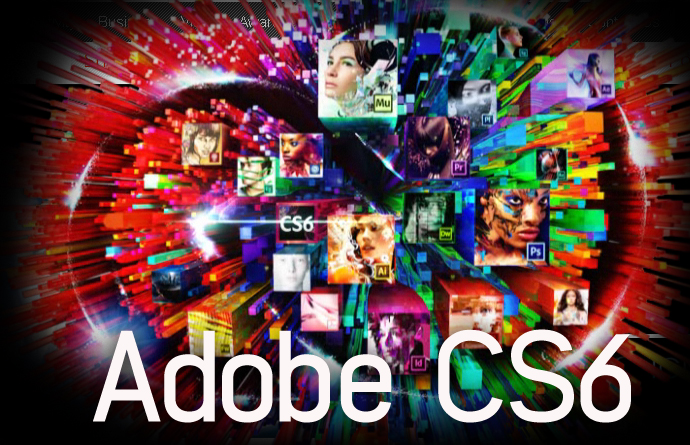
Adobe – the industry standard software for creative professionals
Here are some programs to get familiar with:
- Adobe Photoshop – The bread and butter of design programs, Photoshop is what the pros use for almost everything: editing photos, working up design ideas, even creating animation and editing video! We’ll be using a lot of Photoshop.
- Adobe Illustrator – Have you ever tried to enlarge something on the computer and it gets all blurry or pixelated? This program is used to create images that can be resized to any size without losing quality (common in logos and such). It’s not magic; it’s vectors. If you want some bonus points, tell me the difference between bitmap and vector when I ask in class!
- Adobe InDesign – Have you detected a pattern? Yes, they’re all Adobe. They basically own the market on creative software. InDesign is what’s used to make layouts for print, like books, brochures, fliers, business cards, etc. We won’t be using this a lot, but it’s good to know what it is.
Hardware
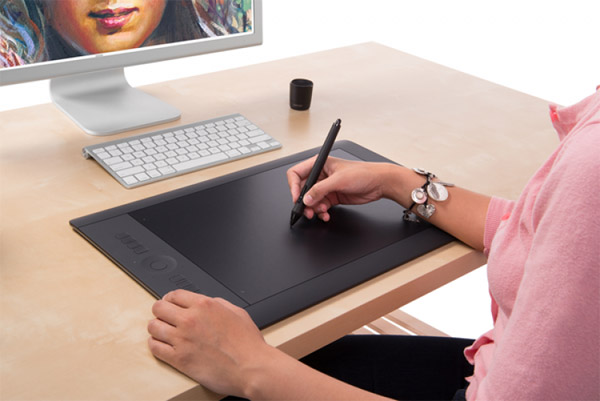
Wacom Intuos Pro graphics tablet
- Wacom Intuos Tablet – This isn’t a tablet like an iPad is a tablet. It’s more like one of plastic things that you might use if you need to sign something at the bank or for UPS. If you’ve never used one of those, it’s a plastic board that you draw on with a special pen. Whatever you do on the tablet gets translated in real time to the computer.